Features · Gear lists
Gear lists that price the job, pack the van and come back.
Pick the kit from your inventory and price it at studio, location or rental rates. Every packing mark updates what is free for the next job.
kitslate.app/app · gear list
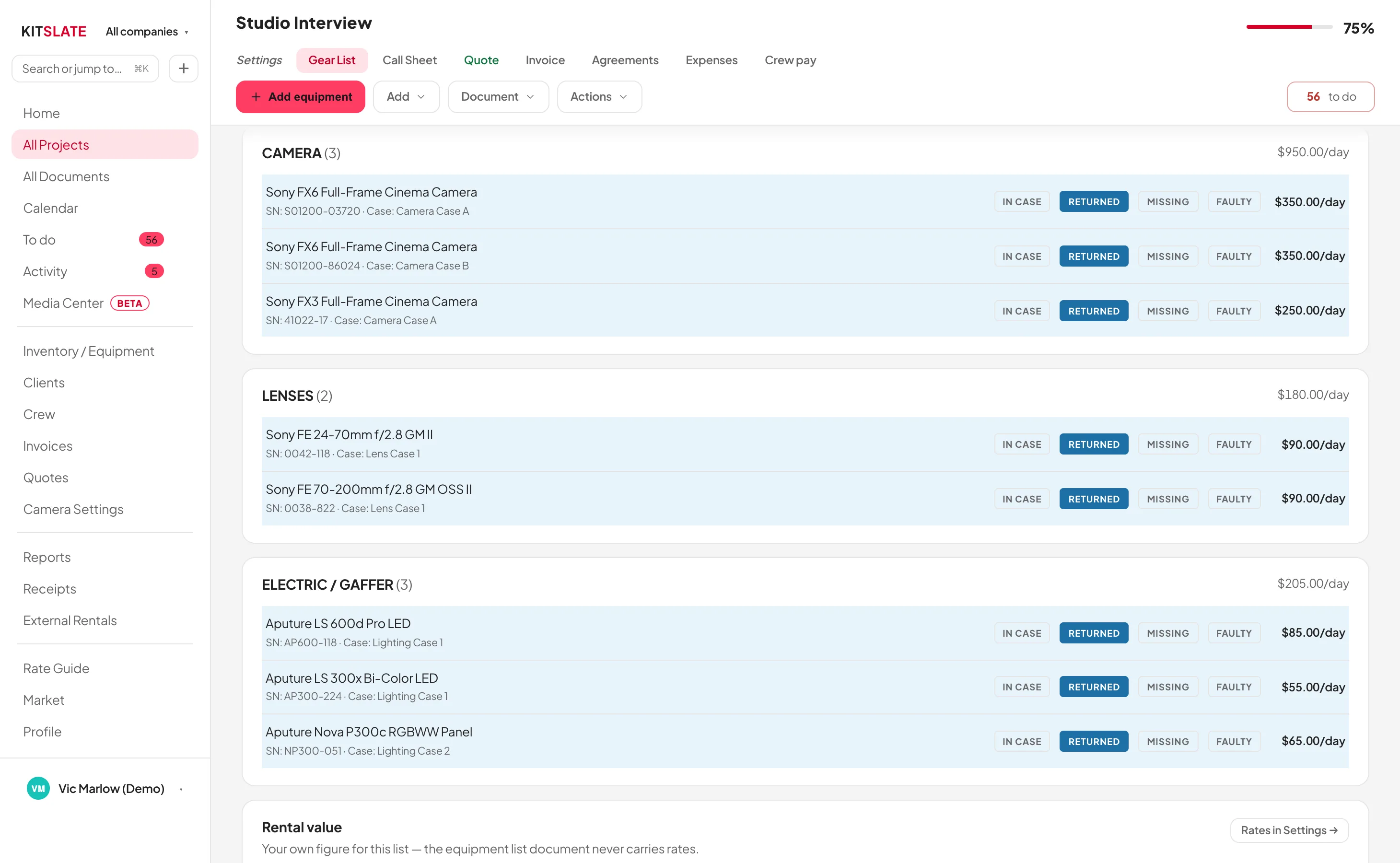
The right-hand panel is where you re-price and re-group the whole sheet.
01 · PICK — from what you already own
Built from the inventory you already keep.
Pick items and the bar at the foot counts them with the day total. Create Gear List → makes the sheet.
Kits with one rateA named kit with one day rate. Add crew for an all-in package on one quote line.
Outsourced gearSub-rented kit is tagged OUTSOURCED and goes onto the quote.
The shoot plan on the sheetA camera preset prints its settings on the sheet. Unset ones are hidden.
Draft or confirmedA draft shows as an outline and holds nothing until you confirm it.
02 · PRICE — three rates, one switch
Price it by where the gear works.
Studio, Outside or Rental re-prices every item from the inventory’s three day rates.
Pricing termsDay, weekend, week or month. A weekend is one shoot day, a week three, a month ten.
Connected to the quoteThe quote’s equipment lines stay linked. Add or remove gear and the quote follows.
Rental income per dayWhat the kit earns on the job at the chosen rates.
What the client seesModel, case and notes print when switched on. Serials, rates and cost stay on your copy.
03 · PACK — four marks that change availability
Pack it without a clipboard.
Every row has IN CASE, RETURNED, MISSING and FAULTY. Each one updates the inventory.
Pack by caseGroup by Case for a progress bar per case: 6 / 9 packed.
Nothing double-bookedBefore a booking saves, its gear and kits are checked against every other job on those dates.
Reset when the job is doneReset statuses clears every mark and puts it all back in stock.
ExportThe CSV has every column. The PDF has the items, chosen details and packing marks.
kitslate.app/app · gear list · by case
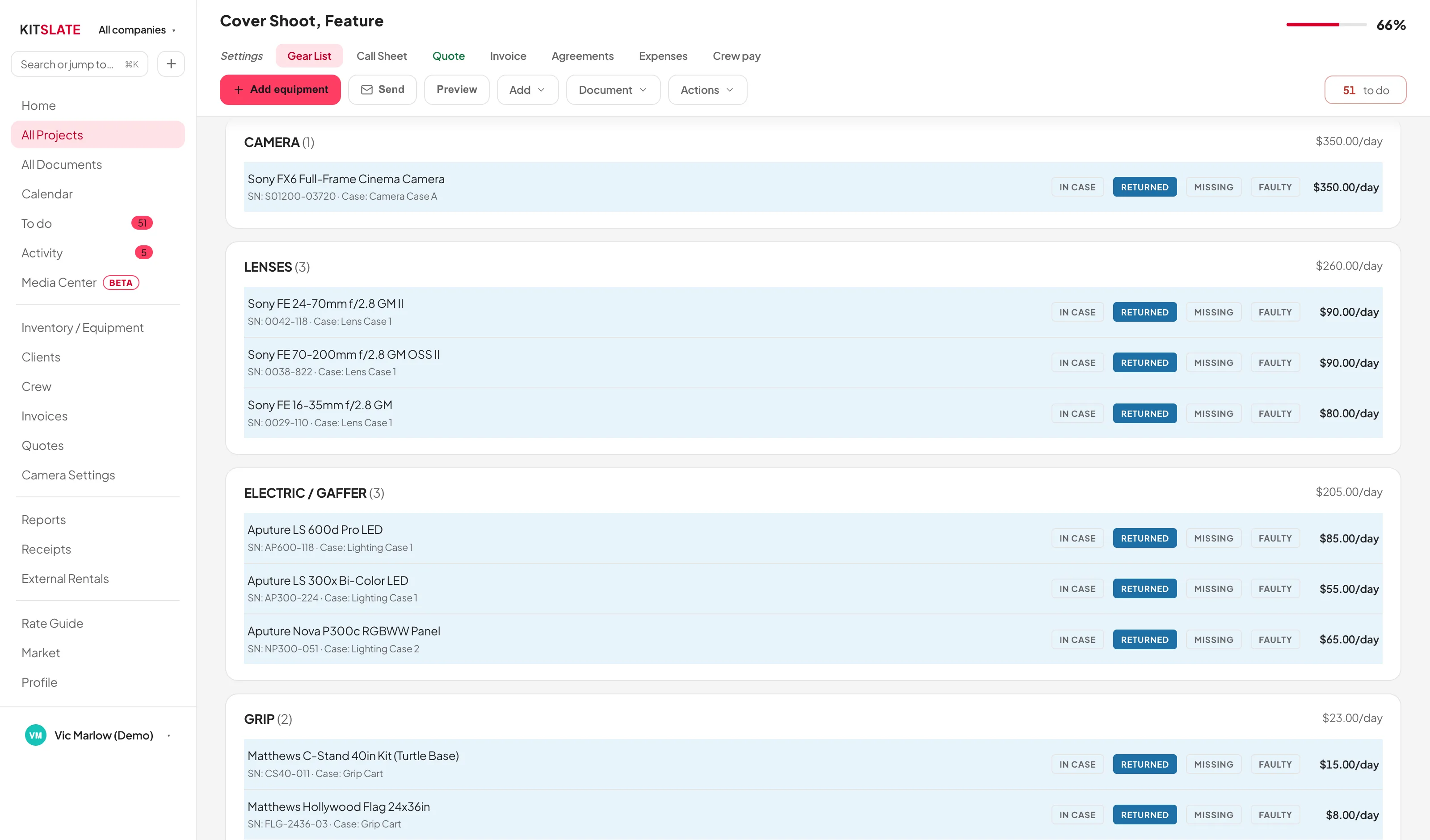
Group by Case: the sheet becomes the packing list.
QUESTIONS — the ones people ask first
Before you try it.
Do I need to build my inventory first?
Yes. Import it from receipts on any paid plan, or from a CSV, PDF or photo on Studio and up.
What does the client receive?
A PDF with every item and its packing mark, without serials or rates.
Can I put crew on a gear list?
Crew go on the quote and call sheet. A kit with crew goes on both.
Build one from a real inventory.
The sandbox has a full inventory to pick from.